
Rentals & Assets
Many companies rent their laptops through an operational lease, others buy them and register them as assets, many do both. Rental / Asset Management brings together the devices that have rental or asset data, so you can follow contracts, expiries and the state of the fleet in one place.
Open it from the Dashboard (Rentals / Assets) or the sidebar. The page has three tabs:
| Tab | What it is for | Guide |
|---|---|---|
| General | The list of devices with rental or asset data, with filters. | below |
| Operational Lease | Charts and the list of rental contracts expiring. | Operational Lease |
| Fleet Assessment | A health score for each device and a recommended action plan, also as a PDF report. | Fleet Assessment |
Only devices with at least one rental or asset field filled in appear here. To add a device, fill in its rental or asset fields on the device page (see Editing Device Fields) or import them (see Import).
The General tab
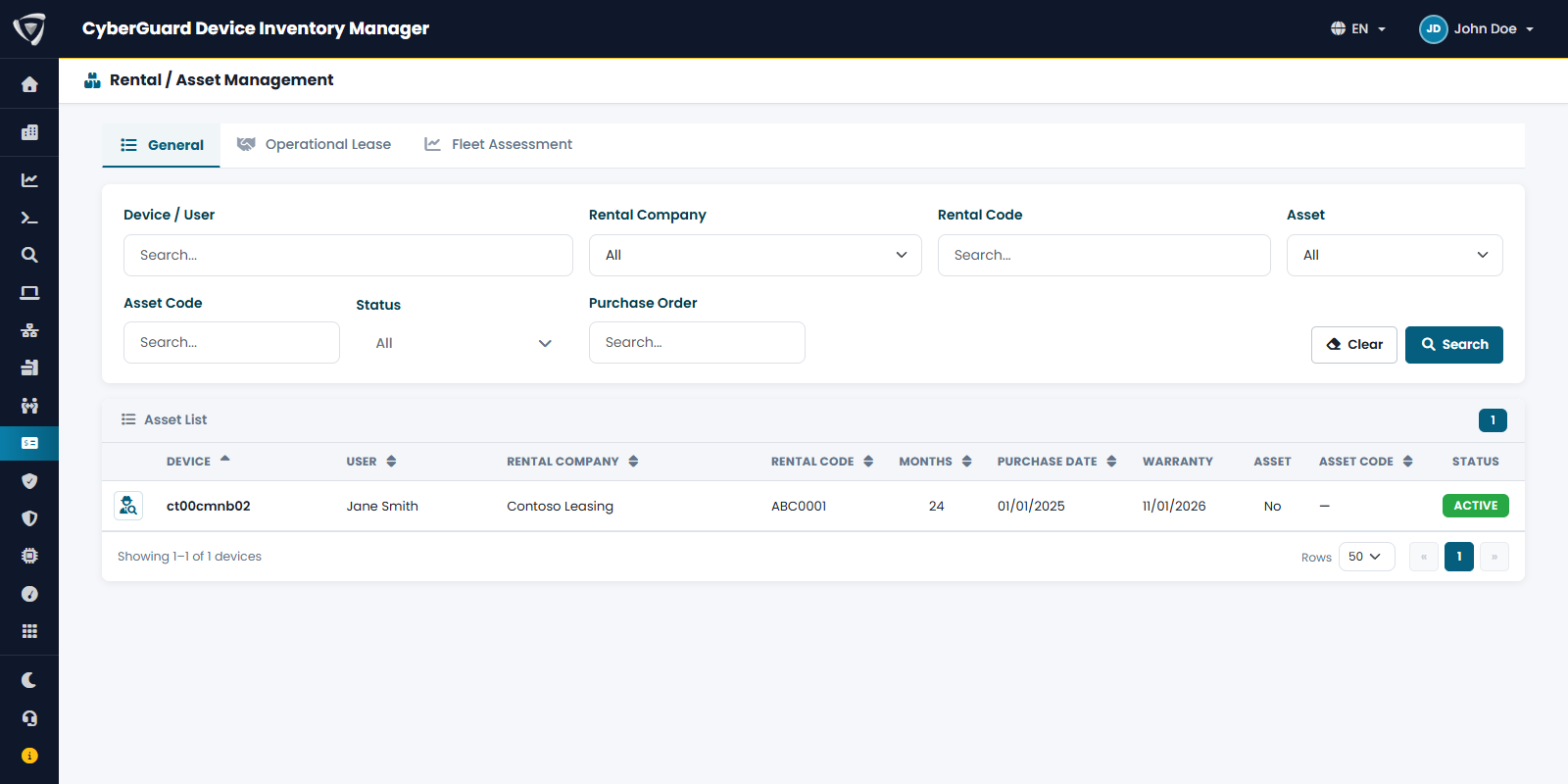
Filter by Device / User, Rental Company, Rental Code, Asset (yes or no), Asset Code, Status and Purchase Order, then click Search. The list shows for each device the user, rental company and code, length of the contract in months, purchase date, warranty expiry, asset flag, asset code and lifecycle status.
Click the icon at the beginning of a row to open the device.
For asset data see Asset Management.