
Device Details
Click a device in the Device List to open its page. The header shows the device name and two buttons:
- Migrate Device turns the device into an extra device, keeping its history. See When a Device Leaves Intune.
- Delete removes the device. See Deleting devices.
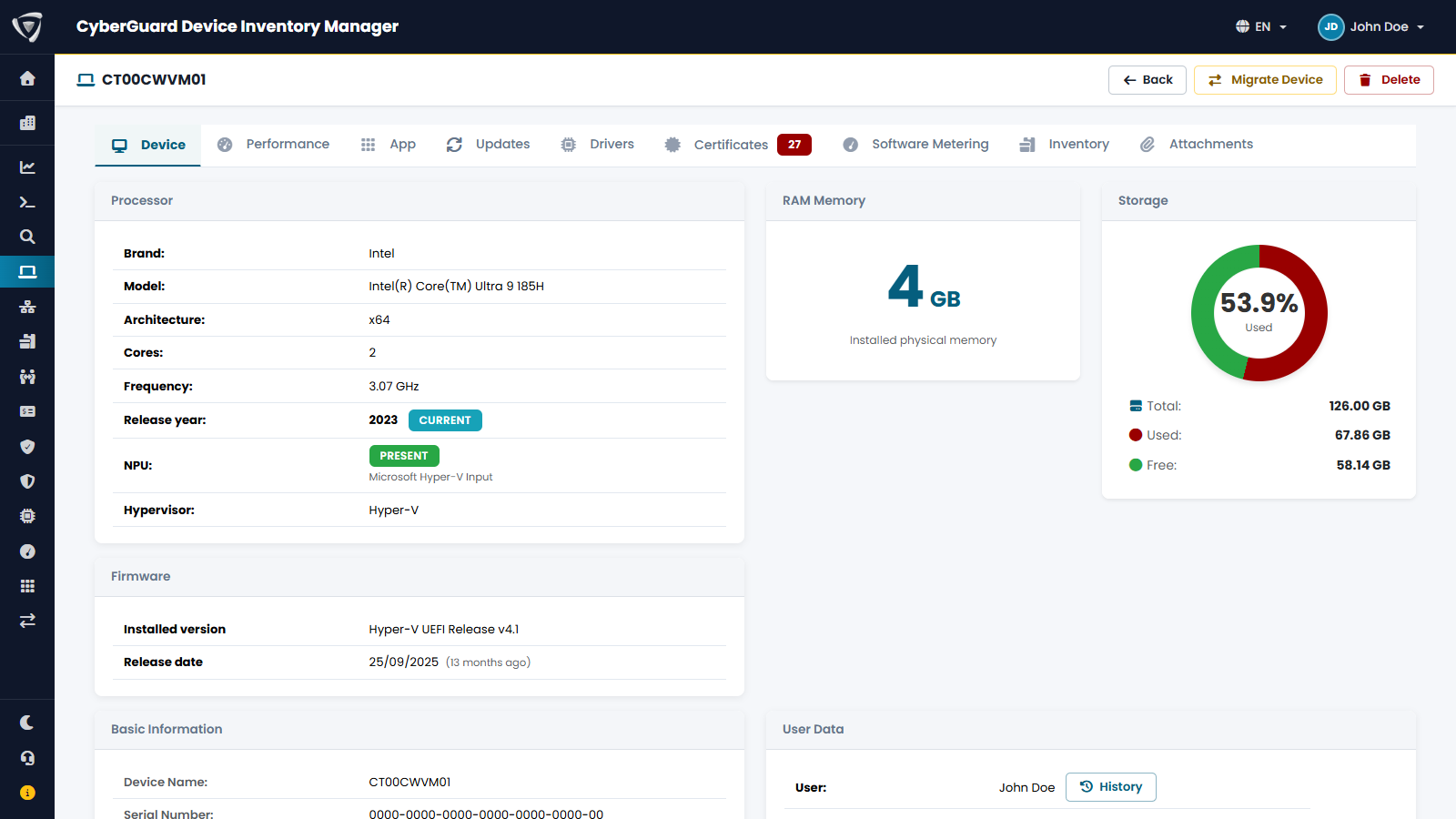
Tabs
| Tab | Content | Source |
|---|---|---|
| Device | Hardware, firmware, identity, user, encryption, compliance, network, and the fields you fill in. | Microsoft Intune, agent, you. See Device Tab. |
| Performance | Restart history, device timeline, battery health. | Microsoft Intune Endpoint analytics. See Performance. |
| App, Updates, Drivers, Software Metering | Installed applications, Windows updates, drivers, software usage. | Agent (Windows, macOS) and Microsoft Intune (mobile devices). See Apps, Updates & Drivers. |
| Certificates | Expired and expiring certificates. | Agent, Windows only. See Certificates. |
| Inventory | Inventory assets linked to the device, such as software licenses or SIM cards. | You. See Inventory. |
| Attachments | Documents about the device: invoices, contracts, warranty certificates, photos. | You. See Attachments. |
Some tabs appear only for the operating systems and features they apply to: for example Certificates and Software Metering only on Windows.
Dates and times are shown in the time zone of your organization, set in My Tenant.