Device Inventory Manager
The inventory of every company device, built on Microsoft Intune.
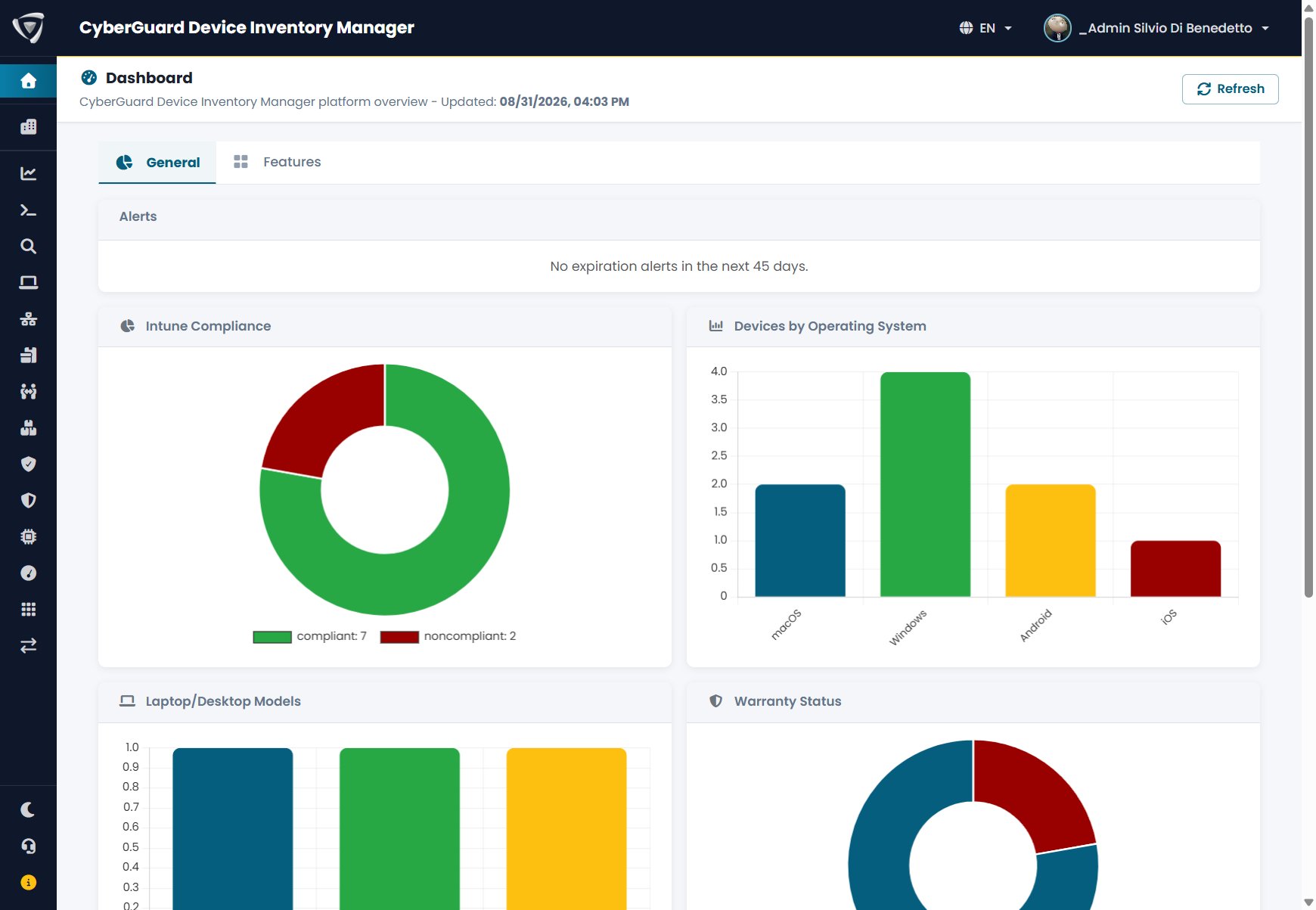
CyberGuard Device Inventory Manager reads the devices managed by Microsoft Intune, enriches them with the data collected by the CyberGuard agent, and keeps in one place what Intune does not know: warranties, rental contracts, assets, assignments to employees and devices outside Intune. This guide explains how to use it, step by step.
Read Documentation →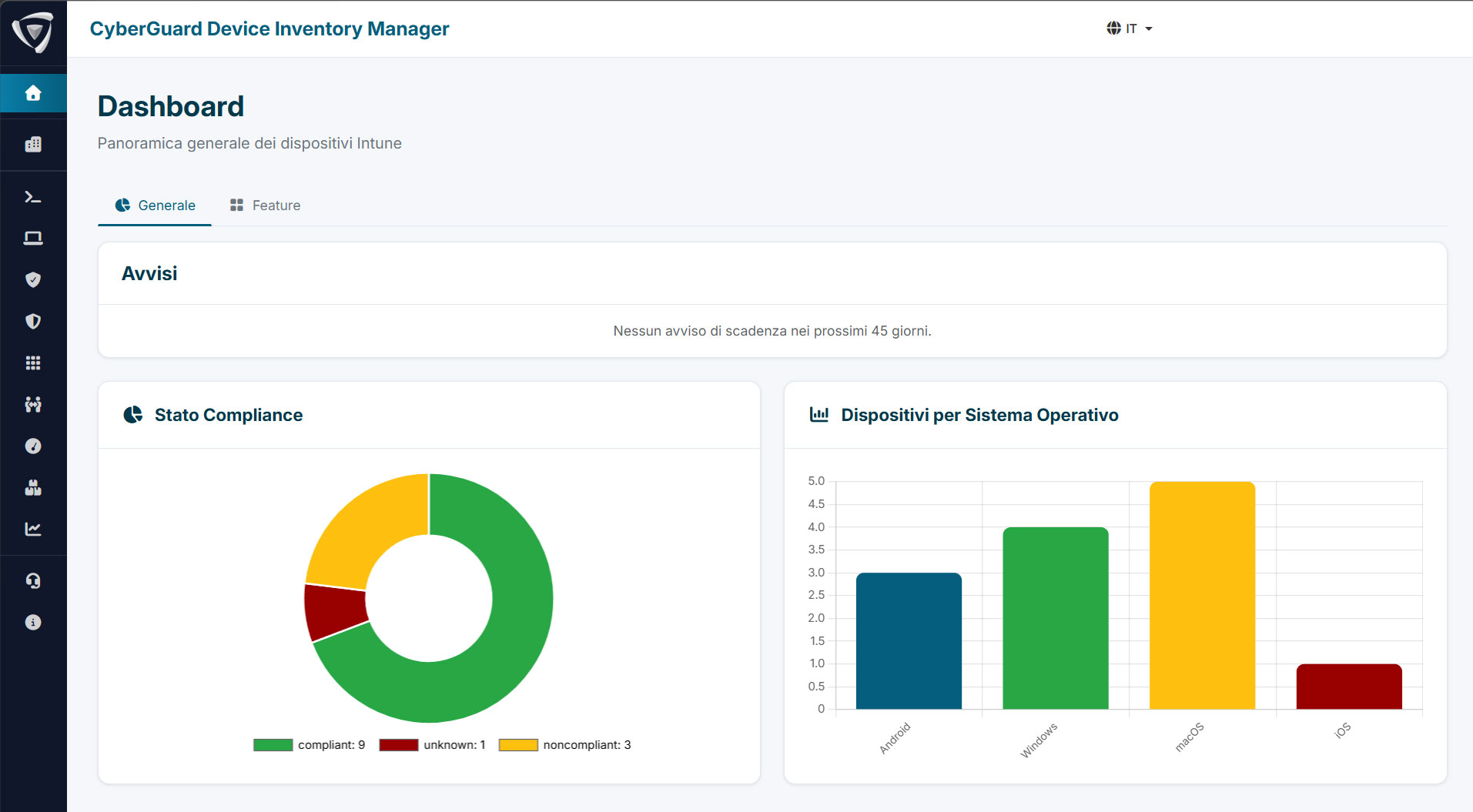
Devices
Every device with hardware, security and network details, editable fields, attachments and history. Extra devices for everything outside Intune.
Agents
The CyberGuard agent for Windows and macOS, deployed with Microsoft Intune: hardware, applications, updates, drivers and software usage.
Warranty
Warranty dates for the whole fleet, retrieved from the manufacturer, with expiry alerts by email.
Rentals & Assets
Operational lease contracts and company assets, with the Fleet Assessment to decide what to redeem or return at contract end.
Staff Management
HR requests, onboarding and offboarding of employees, with the devices to prepare or collect.
Fleet Insights
Compliance, updates, drivers and applications across the fleet, with known vulnerabilities (CVE) and software metering.
Import & Export
CSV files to load warranties, rentals, extra devices and inventory assets, and to extract any list.
Inventory
Software licenses, SIM cards, subscriptions and other non-hardware assets, assigned to people and devices.
Networking
Network devices discovered by the optional probe, and IP address management.
Administration
Users and permissions, device visibility, email notifications, audit log, MSP access and multi-tenant.