
Apps, Updates & Drivers
Four tabs of the device page describe its software.
App
The applications installed on the device, with type, version and date. On Windows and macOS the list comes from the agent; on iOS and Android from Microsoft Intune.
Filter by type (Win32, MS Store) or search by name. To see where an application is installed across the fleet and whether it has known vulnerabilities, see Applications.
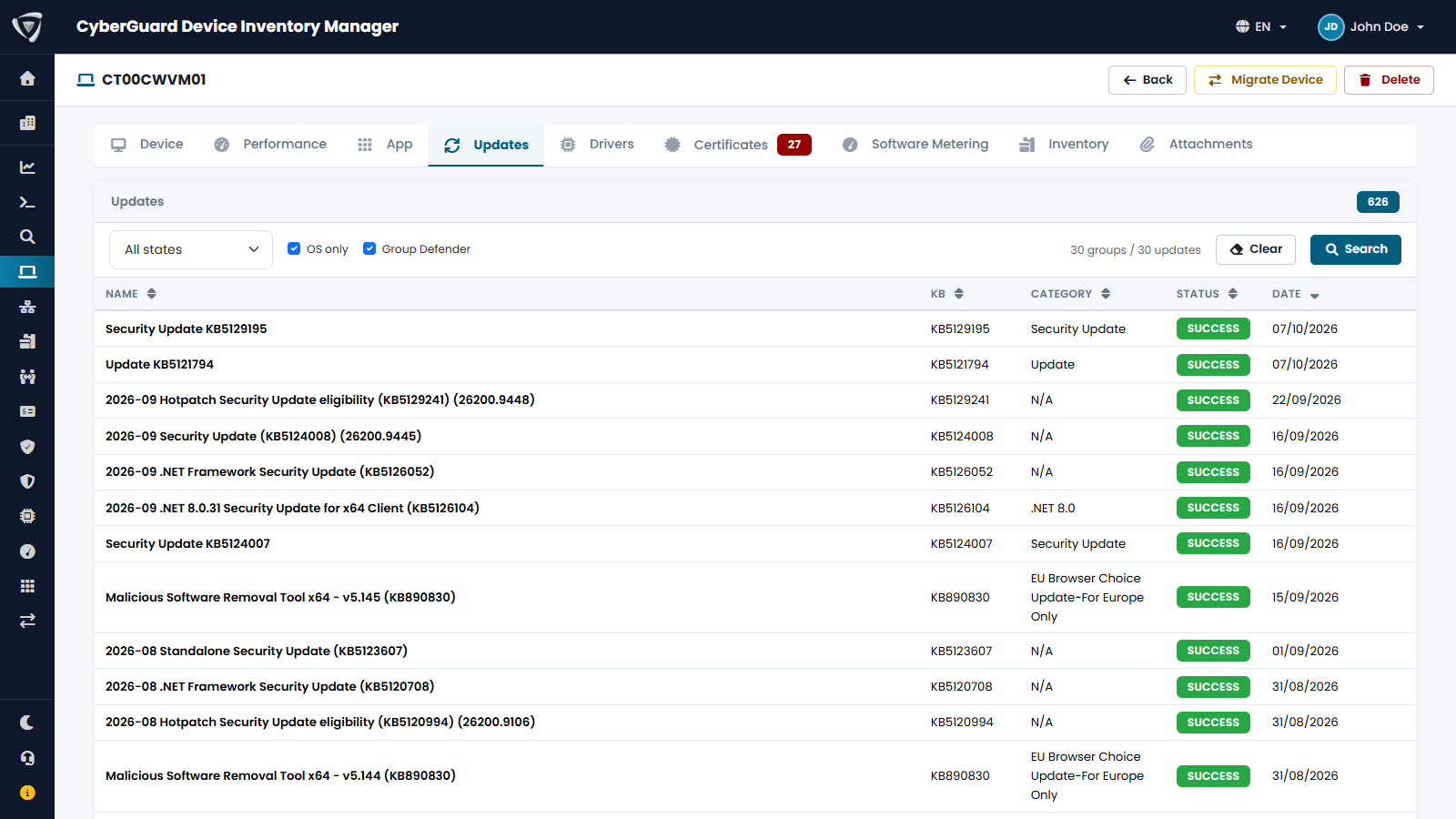
Updates
The Windows updates installed on the device, or that failed, with KB number, category, status and date. The data comes from the agent.
| Option | Effect |
|---|---|
| All states / Success / Failed | Shows all updates, only the installed ones or only the failed ones. |
| OS only | Hides updates of other products, such as .NET or Microsoft Defender. |
| Group Defender | Groups the many Microsoft Defender definition updates into one row. |
To see which devices miss an update and which vulnerabilities each update fixes, see Windows Updates.
Drivers
The drivers installed on the device with provider, vendor, class, version, signature and date. Filter by class or show only unsigned drivers. Across the fleet, see Drivers.
Software Metering
How long each program has been used on the device, in hours, over the last 7, 14 or 30 days, with vendor and version. Available on Windows when software metering is enabled in the agent configuration. Across the fleet, see Software Metering.