
Dashboard
The Dashboard is the first page you see after signing in. It has two tabs: General, an overview of the fleet, and Features, the entry point to every area of the portal.
The header shows when the data was last updated from Microsoft Intune; Refresh reloads the page.
The General tab
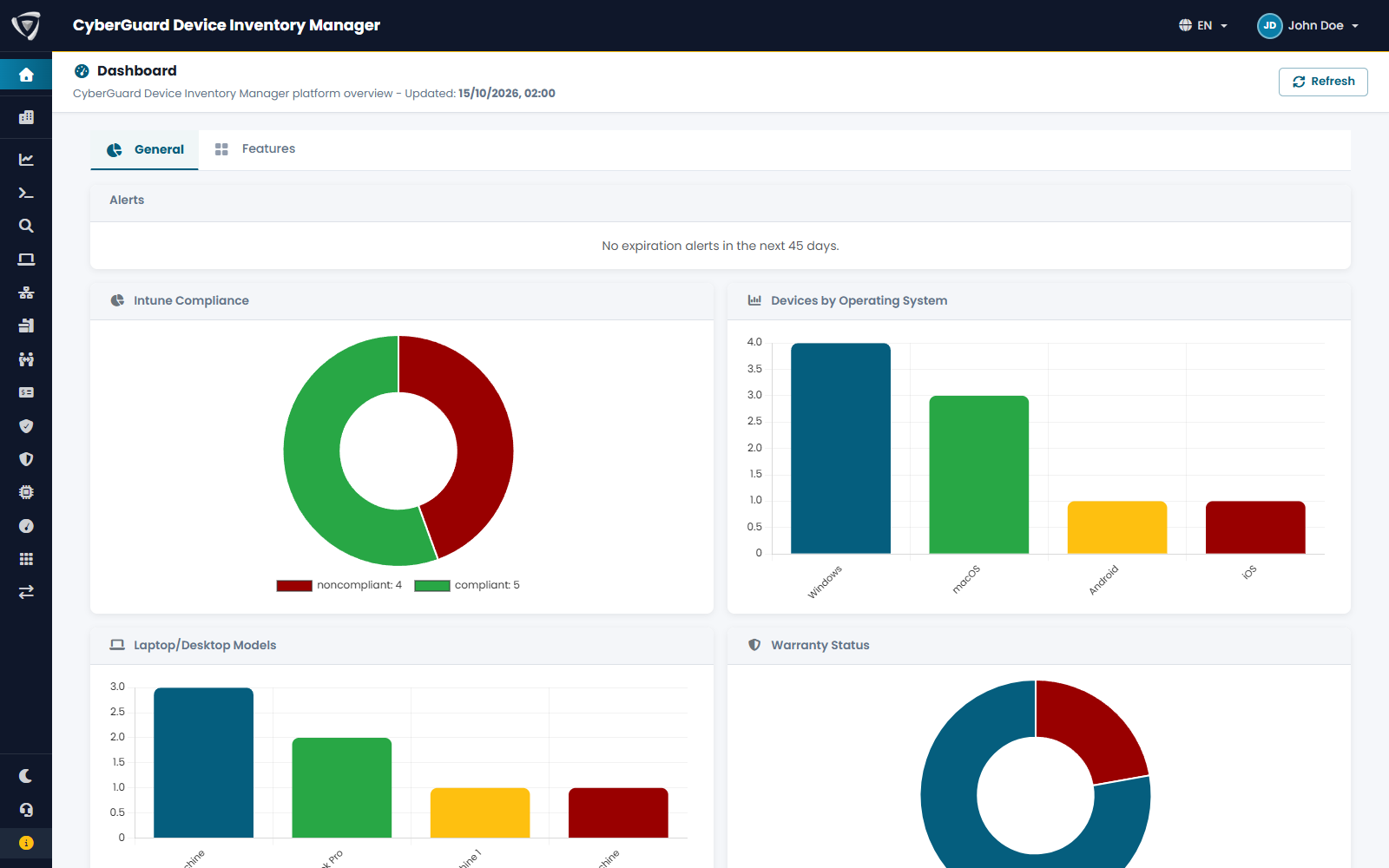
| Element | Content |
|---|---|
| Checklist | Shown to administrators until the basic setup is done: Deploy the DIM agent, Configure tenant SMTP, Configure RBAC permissions. Each item explains what is missing and links to the page where you fix it. See Getting Started. |
| Alerts | What expires in the next 45 days: warranties and rental contracts of devices and extra devices, and attachments with an alert date. |
| Intune Compliance | Active devices by compliance state. |
| Devices by Operating System | Active devices by operating system. |
| Laptop/Desktop Models | The most common models. |
| Warranty Status | Devices with active, expired or no warranty. |
| Recent Devices | The devices that synchronized most recently; View All opens the Device List. |
Click the compliance, operating system or warranty chart to open the device list filtered on that value.
The Features tab
The Features tab lists the areas of the portal you can open, each with a short description. Click an area to open it.
Click the eye icon of an area to add it to the sidebar or remove it, then Update sidebar (see Favorites).