
Workspace
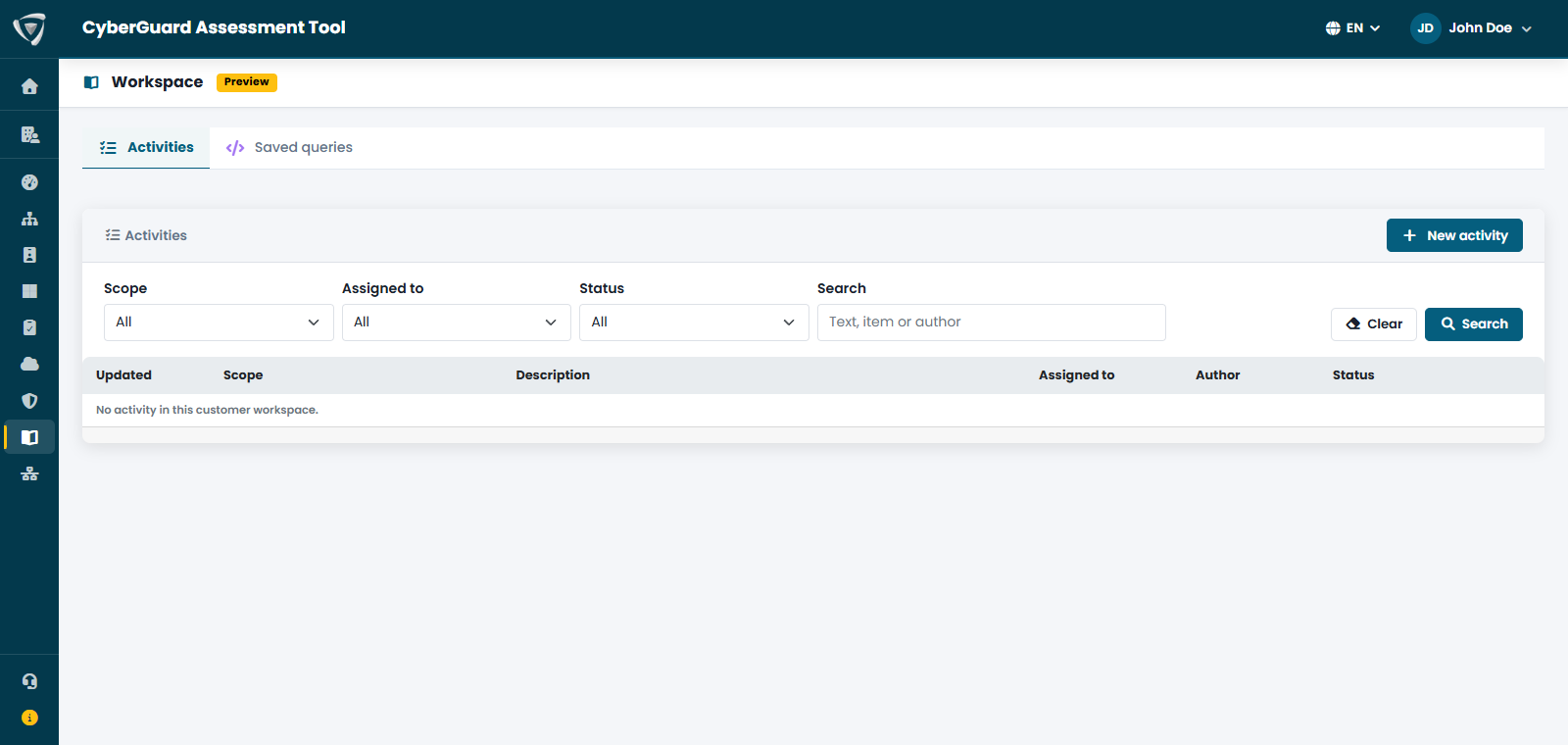
The Workspace is your team's logbook in CyberGuard. Assessments tell you what is wrong; the Workspace records what your team did about it: how an incident was handled, the notes of an investigation on a MITRE technique, the decision taken on a finding, the KQL queries worth keeping.
Everything is kept next to the data it refers to, with author, date, owner and status, so that anyone in the team can pick up the work where someone else left it.
It has three tabs:
| Tab | What it contains |
|---|---|
| Activities | The activities recorded by your team, open or resolved, with scope, owner and author. |
| Remediation plan | Every critical and warning finding of your assessments, with how long it has been open, its owner and target date. |
| Saved queries | Your team's KQL query repository, organized by category. |
Writing Without Leaving the Page
You rarely need to open the Workspace to write in it:
- the Workspace button at the bottom right of every page opens a new activity;
- every finding of the Security Score — where you also plan it in the remediation plan — and every object of the attack paths has a Document in the workspace button;
- every incident and every MITRE technique in Microsoft Security View has Add activity;
- the KQL editor has Save to workspace.
Items that already have activities show an icon with the number of activities recorded, so you immediately see what has been worked on.
Staying on Top of It
- The Dashboard warns you when activities have been open for more than 7 days.
- The Weekly workspace summary email, every Monday at 08:00, lists open activities, those idle for more than 7 days and those resolved during the week. Turn it on in Email Notifications.