
CyberGuard Assessment Tool
Assess, monitor and improve the security of your Microsoft environment.
CyberGuard Assessment Tool brings the security of Active Directory, Microsoft Entra and Microsoft 365 into a single portal. Assessments run automatically through agents and schedules, findings are scored and linked into attack paths, and Microsoft Defender data, compliance questionnaires and your team’s work all live next to the results.
Read Documentation →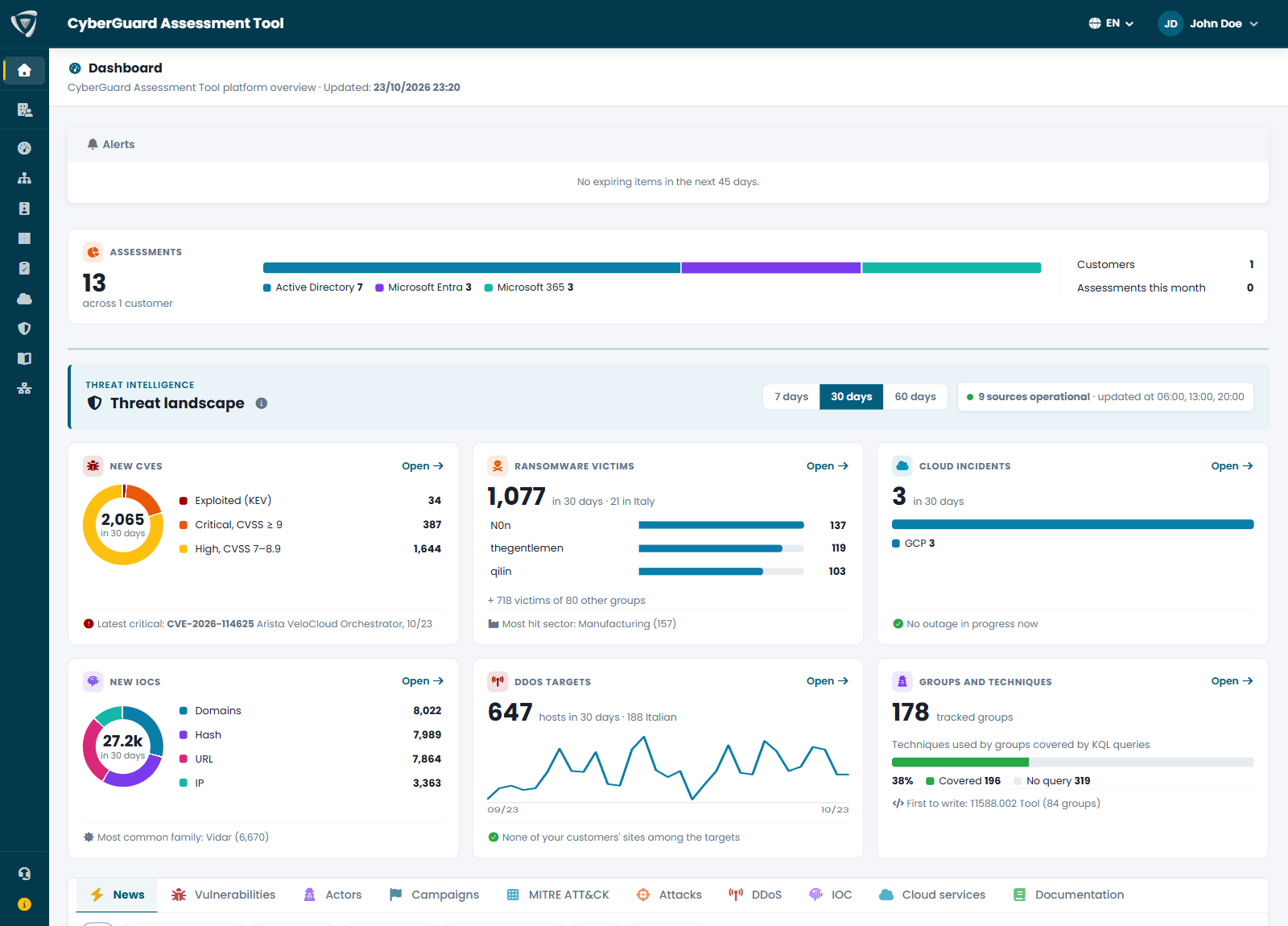
Active Directory
Assess your on-premises domains with an agent that runs as a service: domain controllers, privileged accounts, policies, DNS and certificate services, with findings ranked by risk.
Microsoft Entra
Review identities, Conditional Access, roles and applications of your tenant directly from the portal, with Eagle Eye highlighting signs of attack on identities.
Microsoft 365
Check the configuration of Exchange Online, SharePoint, Teams, Intune and Defender to find the gaps in your collaboration environment.
Security Score & Attack Paths
One score for your whole environment, how it changes over time, and the attack paths that chain findings together, so you know what to fix first.
Microsoft Security View
See Microsoft Defender XDR incidents in full, the vulnerabilities attackers are actively exploiting on your devices, and run KQL queries on your Defender data without leaving the portal.
Workspace
Record activities, incidents, findings and KQL queries in one place, and keep track of what is open and what has been resolved.
Agents & Scheduling
Install agents and probes once, schedule assessments and receive email notifications: your environment is assessed automatically.
Network Assessment
A network probe discovers devices and exposed services in your networks and reports the vulnerabilities it finds.
Compliance Assessments
Guided questionnaires on security regulations, with the legal references behind each requirement and the official documentation at hand.