
Dashboard
The Dashboard is the first page you see after signing in. It tells you at a glance whether something needs your attention, how many assessments you have, and what is happening in the global threat landscape.
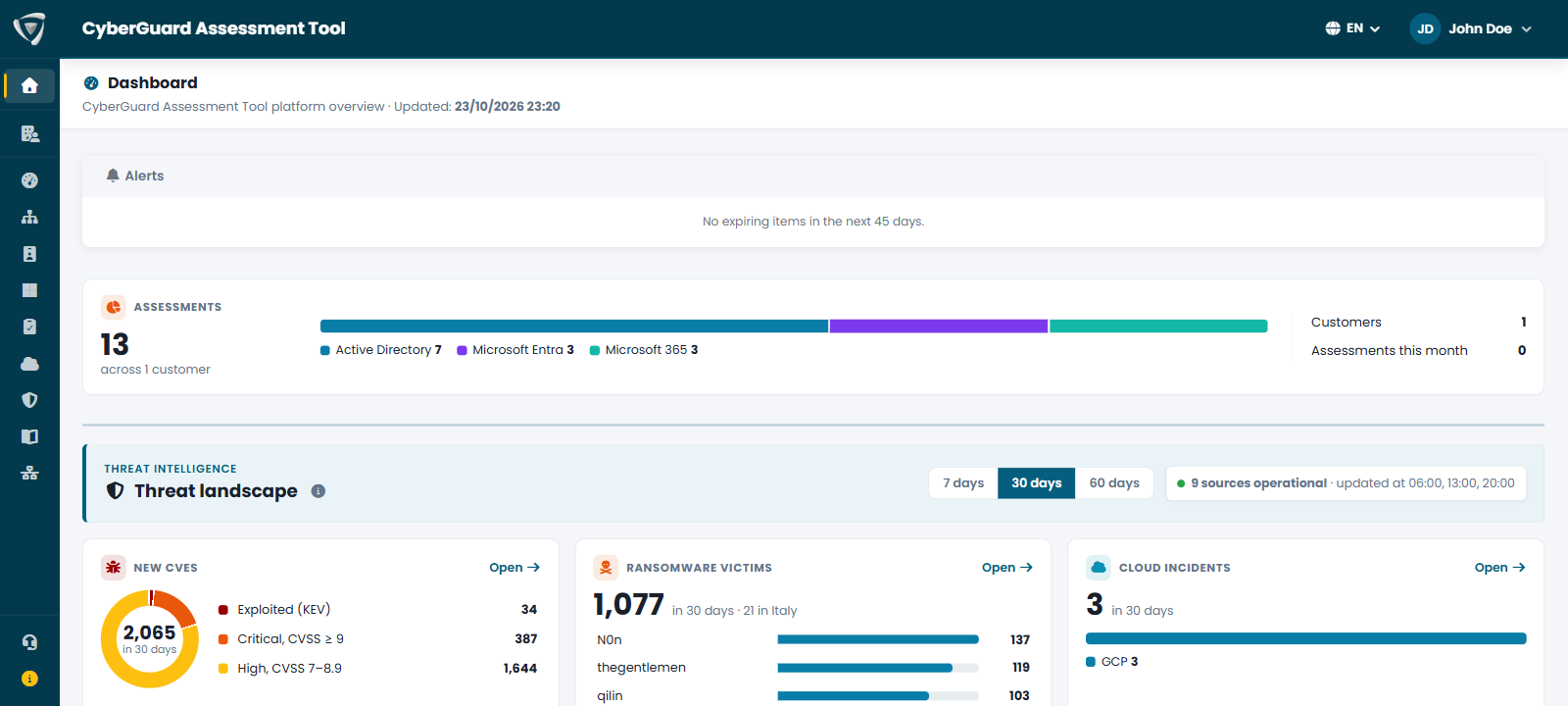
Alerts
The Alerts card collects in one place what needs to be handled. When there is nothing to report, it says so.
| Alert | When it appears |
|---|---|
| Missing configuration | Something required by the assessments or the notifications is not configured yet: the Active Directory domain, the mail server (SMTP) or the Dataverse environment. The alert links to the page where you configure it. |
| Expiring items | The client secret of the Microsoft Entra app expires within 45 days. Renew it before that date, or the Microsoft Entra and Microsoft 365 assessments stop working. |
| Ransomware in your sector | Ransomware attacks have hit organizations of your sector in the last 7 days. The sector is the one set in your Company Profile. |
| Websites among the DDoS targets | One of your Websites to monitor, set in your Company Profile, appears among the targets of the DDoS attacks of the NoName057(16) group in the last 7 days. The alert shows the targeted hosts and the date of the last attack; View DDoS targets opens the DDoS tab already filtered on that website. |
| Idle Workspace activities | Activities in the Workspace have been open for more than 7 days. |
Assessments
The Assessments indicator shows how many assessments you have and how they split between Active Directory, Microsoft Entra and Microsoft 365, together with the assessments run this month.
Threat Landscape
Below the assessments, the Threat landscape section summarizes the global threat landscape in six indicators, with a common period of 7, 30 or 60 days, and ten tabs that go into detail: news, exploited vulnerabilities, threat groups, campaigns, MITRE ATT&CK techniques, ransomware victims, DDoS targets, indicators of compromise and cloud service incidents. See Threat Intelligence.